Text-based Android launcher for distraction reduction
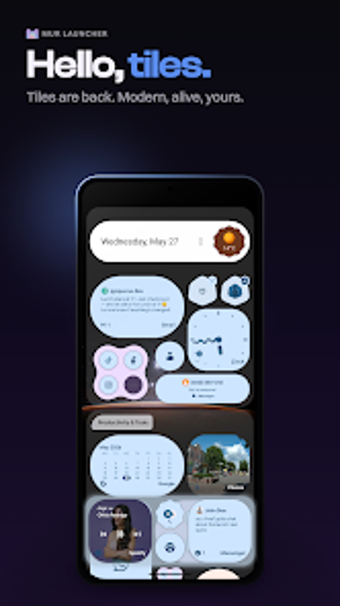
Mur Launcher by Incendiary Pigs is a minimalist home screen replacement for Android devices designed to reduce digital distractions. It shifts the home screen away from graphical icons toward a pared-down, text-forward navigation model centered on quick app selection and a simple list approach to reduce visual clutter. This free launcher emphasizes minimal controls through short interaction flows and focused navigation. It suits users who want to cut screen time, productivity-minded professionals, and fans of minimal UIs.
What specific changes does the launcher make to app access?
Mur Launcher replaces graphical affordances with text-oriented access, routing app discovery through a compact list and a fast query field designed for quick selection. The interface intentionally removes colorful icons that create visual pull and exposes a simple inventory of installed apps. For users who track taps and notifications, that change shifts attention away from imagery toward deliberate choice, which supports the app's declared digital detox objective.
How much control does it give over the home screen layout?
Customization focuses on reduction rather than ornamentation. The launcher supports light and dark themes and lets users hide specific applications from the main list so the visible surface stays lean. It does not support traditional icon packs, by design, so aesthetic customization stops at theme and visibility choices rather than icon-level tweaks. That trade-off privileges clarity over decorative adjustments.
Does the launcher meaningfully affect battery life or device performance?
Performance is a central design goal. The developer markets a lightweight architecture and an ultra-fast interface that runs well on both high-end and budget hardware. Because the launcher avoids heavy animations and complex background processes, it is reported to be generally very battery-efficient. Users who prioritize low resource use should find its runtime footprint modest compared with icon-heavy alternatives.
Is Mur Launcher easy to adopt and compatible with typical Android setups?
Adoption is straightforward for Android users. The launcher is available for Android devices, with specific version requirements noted on the Play Store. The developer built the app with minimal permission requests compared with mainstream launchers, a design choice that reduces setup friction for privacy-conscious users. Reception among minimalism-focused users is positive, with frequent praise for the app's speed and focus-preserving intent.
Who should choose Mur Launcher?
Mur Launcher is a purposeful option for distraction-averse Android users who want a text-first home screen to discourage habitual tapping. Expect a stark, focused interface and modest system demands; the minimalist model requires an adjustment period for icon-oriented workflows. Try it for several days and progressively limit the visible apps to gauge whether the reduced surface helps you regain control of daily phone use.
Pros
Alphabetical text list plus search enables rapid app launching
Per-app hiding removes distracting apps from the main view
Light and dark themes respect ambient preference
Minimal permission requests compared with mainstream launchers
Cons
No support for custom icon packs, intentionally icon-free
Reduced visual cues for users who rely on icon recognition
Requires an adjustment period for habitual, tap-driven users
Laws concerning the use of this software vary from country to country. We do not encourage or condone the use of this program if it is in violation of these laws. Softonic may receive a referral fee if you click or buy any of the products featured here.